A teleprompter is a tool that displays your script near the camera so you can speak naturally without looking down at notes or memorizing every line. In practice, that can mean a traditional glass setup in a studio, a teleprompter app on your phone, or an online teleprompter on a computer screen. The format changes, but the job stays the same: help you keep eye contact while staying on script.
For modern creators, the word "teleprompter" no longer refers only to TV studios or presidential speeches. It now covers short-form video, online classes, remote meetings, webinars, live streams, and course recording.
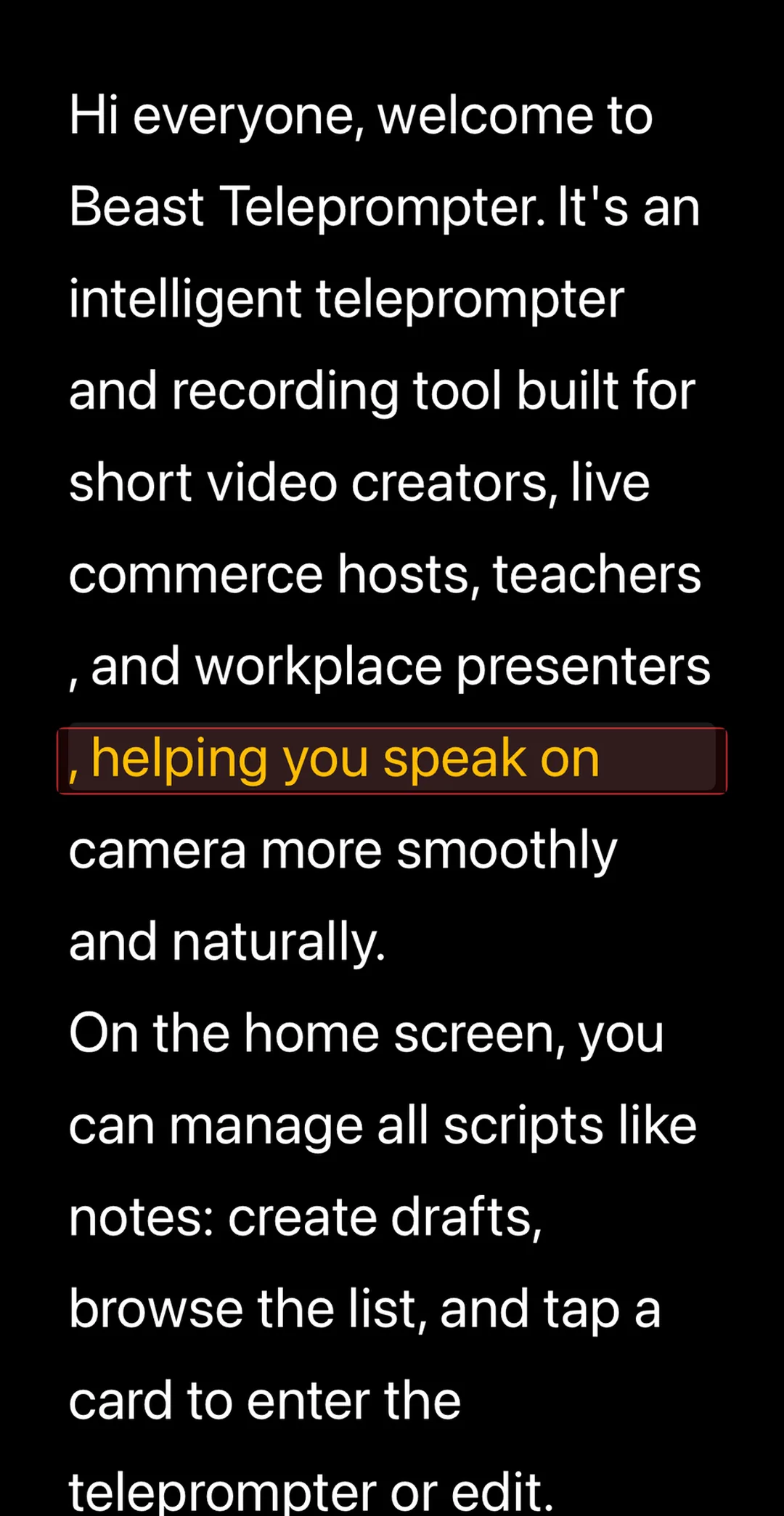
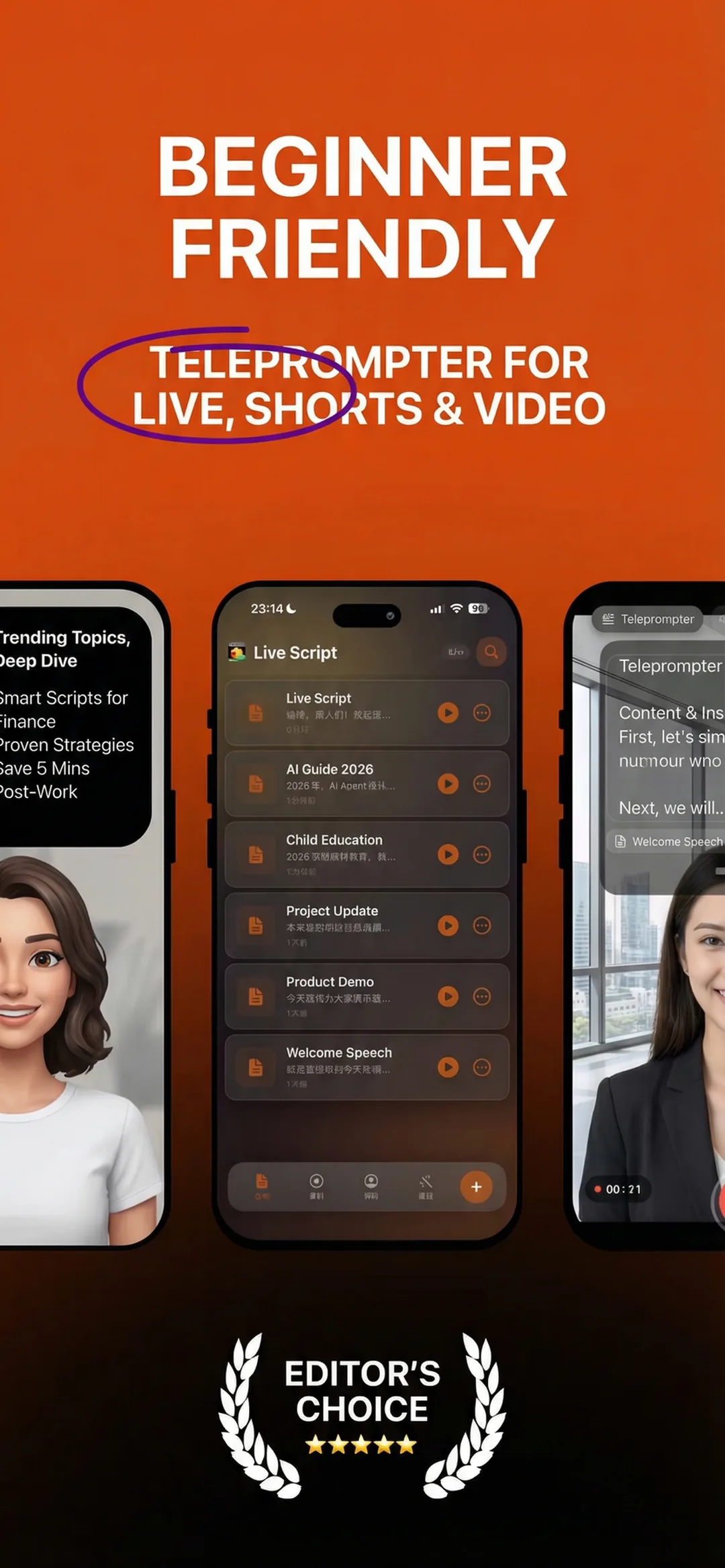
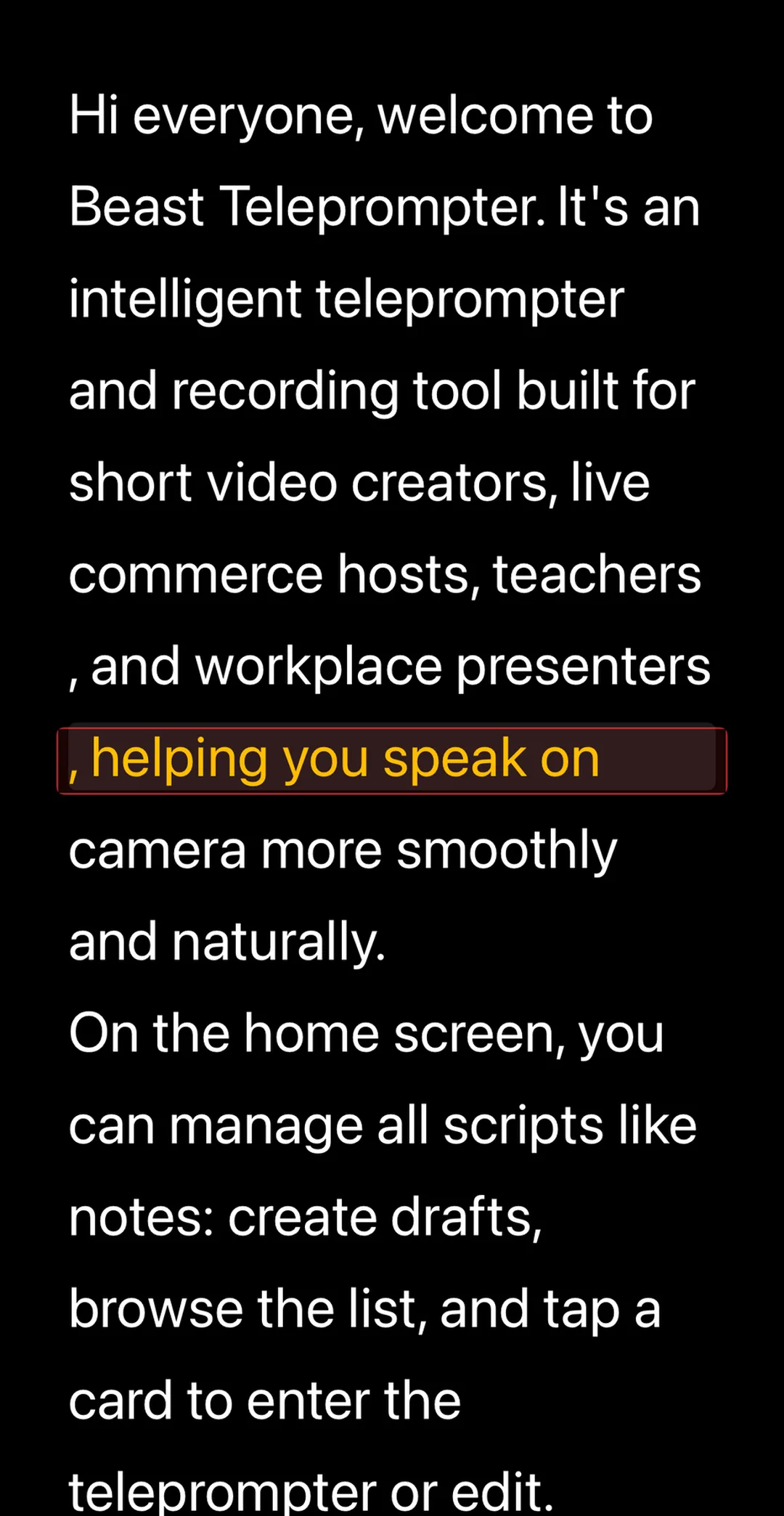
A teleprompter is a device or app that displays a script near the camera lens so the speaker can read while maintaining eye contact. Modern app-based teleprompters like Beast Teleprompter add AI follow reading, so the script scrolls automatically to match the speaker's voice instead of scrolling at a fixed speed. Beast Teleprompter's free iOS plan includes AI follow reading (5/day), 1080P recording without watermark, and 5 script slots.
How a Teleprompter Works
At the simplest level, a teleprompter shows text close enough to the camera that your eyes still appear directed at the audience.
In a traditional studio setup, the script is reflected on a piece of angled glass in front of the lens. The camera shoots through the glass, but the speaker sees the text.
In a modern app-based setup, the script is displayed directly on a phone, tablet, or computer. Some tools only scroll at a fixed speed. More advanced ones use voice tracking or AI follow reading so the text adapts to how fast you speak.
That second model is what most independent creators actually need. It is cheaper, easier to set up, and far more practical for solo recording.
Why People Use a Teleprompter
Most people do not use a teleprompter because they cannot speak. They use one because speaking well on camera while remembering structure is harder than it looks.
A teleprompter helps when you want to:
- stop losing your place halfway through a take
- keep your delivery tighter without sounding memorized
- record longer educational or sales videos
- present in meetings or webinars without reading off-screen notes
- reduce retakes caused by missing a line or forgetting the order
The biggest benefit is not perfect wording. It is cognitive relief. You stop splitting your attention between speaking, remembering, and looking engaged.
Does a Teleprompter Make You Look Scripted?
Not necessarily. The real problem is usually not the teleprompter itself, but the way people use it.
If you stare at every word and force yourself to match a rigid scroll speed, you look stiff. If you read in phrases, keep your eyes relaxed, and let the pace follow your voice, a teleprompter can actually make you sound more natural because you are no longer panicking about the next sentence.
This is why voice-responsive prompting changed the category. It turns the teleprompter from a moving script you chase into a pacing assistant that adapts to you.
Beast Teleprompter uses AI follow reading. The script tracks your voice in real time and scrolls to match your natural pace. On iOS it is included on the free plan (5 uses/day; Pro unlimited). The paid tier at $5.99/month or $39.99/year adds a floating window that overlays the script over any other app, 4K recording, and cross-device sync.
What Types of Teleprompters Exist Today
There are three common versions:
1. Studio teleprompters
These use reflective glass and are common in broadcast, speeches, and high-end production. They look polished but require more gear and setup.
2. App-based teleprompters
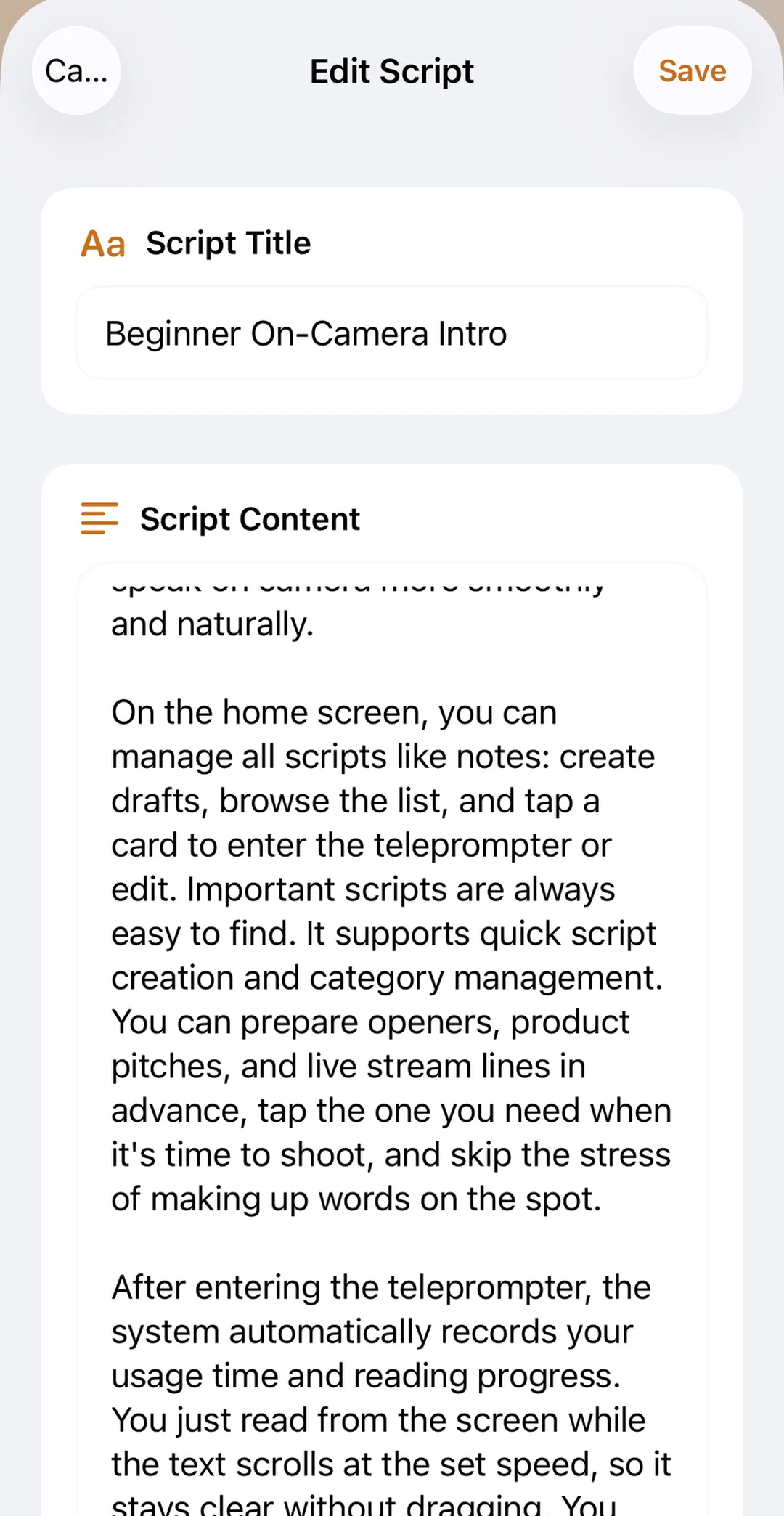
These run on phones, tablets, or computers. They are the most practical option for independent creators because they combine scripting, prompting, and often recording in one workflow.
3. Online teleprompters
These are browser-based tools designed for quick prompting and rehearsal. They are useful when you want to paste a script and start immediately, but they vary a lot in depth and recording support.
For most creators, the best setup is a mix: an online teleprompter for quick use and an app for actual filming.
When You Actually Need One
You probably need a teleprompter if any of these sound familiar:
- you know your topic but lose structure on camera
- you can speak naturally in person but freeze when recording
- you make course videos, explainers, or demos longer than 30 seconds
- your retakes come from forgotten lines, not bad ideas
You may not need one if all your content is improvised and short, or if reading even short prompts makes you look more mechanical. But most creators do better with some level of prompting once the content becomes repeatable and professional.
Frequently Asked Questions
Do politicians use teleprompters? Yes. Politicians, presenters, and executives regularly use teleprompters for speeches because they reduce memory load and improve consistency. That is one reason queries like "does Trump use a teleprompter" are so common.
Do I need two devices to use a teleprompter? Not always. Some creators use one device, especially with app-based overlays or floating prompt workflows. Two-device setups are still useful in certain camera arrangements, but they are no longer required for everyone.
What is the difference between a teleprompter and captions? Captions are for the audience after recording. A teleprompter is for the speaker during recording. One helps people watch the video; the other helps you deliver it.
Can I use a teleprompter on my phone? Yes. Many modern teleprompters are built specifically for phones and tablets. Some also include recording features, AI follow reading, and floating overlays.
Is there a free teleprompter? Yes. Some teleprompter apps and online tools are free, but the real difference is whether the useful workflow stays free. A tool that locks AI follow reading, watermark-free export, or recording behind a paywall may not be free in any practical sense.
If you want to move from definition to practice, try Beast Teleprompter as your online teleprompter workflow and then test whether app-based features like AI follow reading or floating prompts make your recording process smoother. Visit the Help Center for setup guides and tips.