
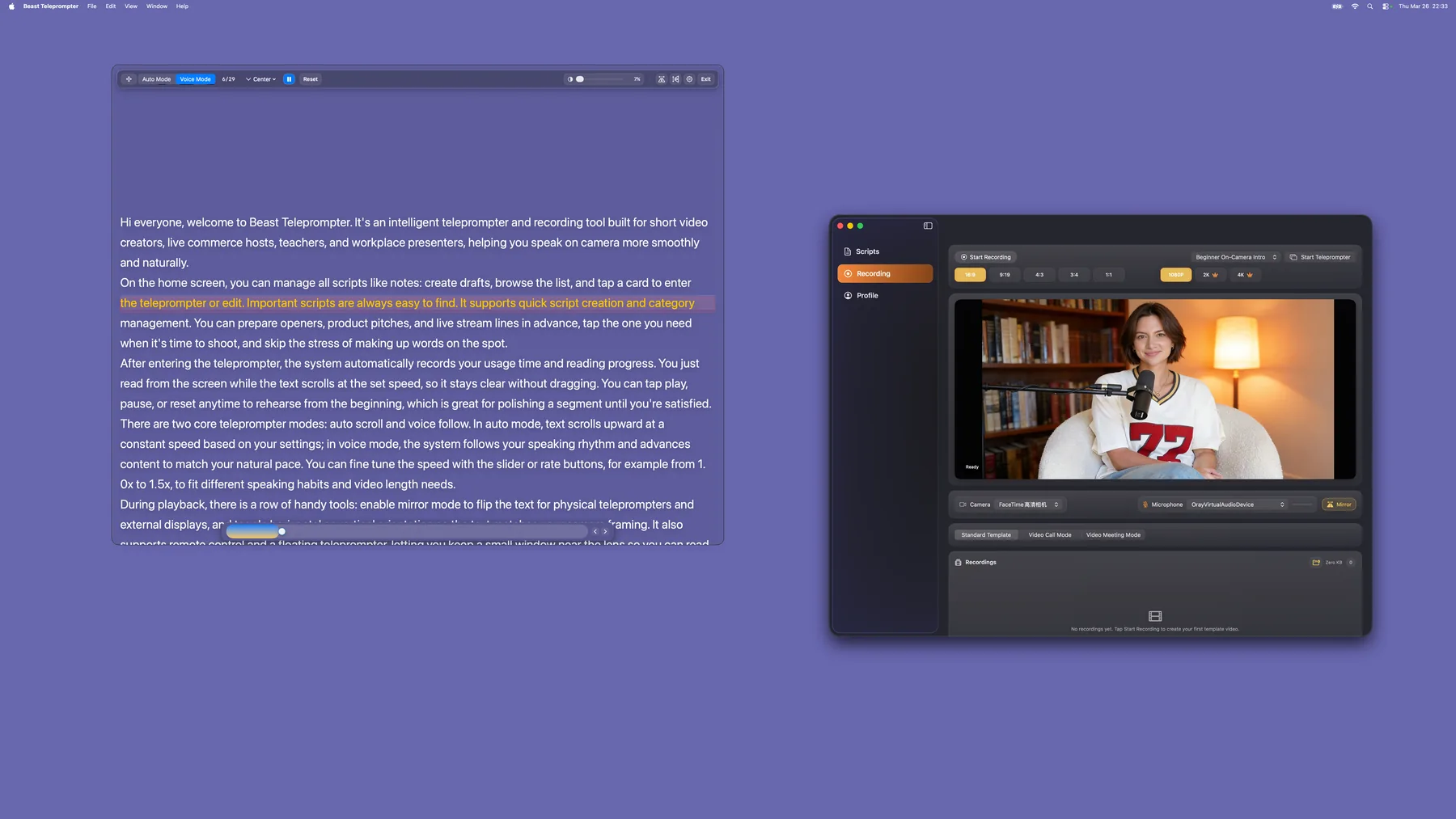
If you record video, teach online, or present on camera from a Mac, you already know the problem: reading notes on screen looks obvious, and memorizing a script is not realistic for every take. Beast Teleprompter for Mac is a native macOS app that puts AI-powered follow reading, a floating prompt window, and iCloud sync on your desktop so you can deliver scripts naturally on a bigger screen.
What Beast Teleprompter Does on Mac
Beast Teleprompter is not a browser tab with scrolling text. It is a native Mac app built for creators who need a real production workflow on their desktop.
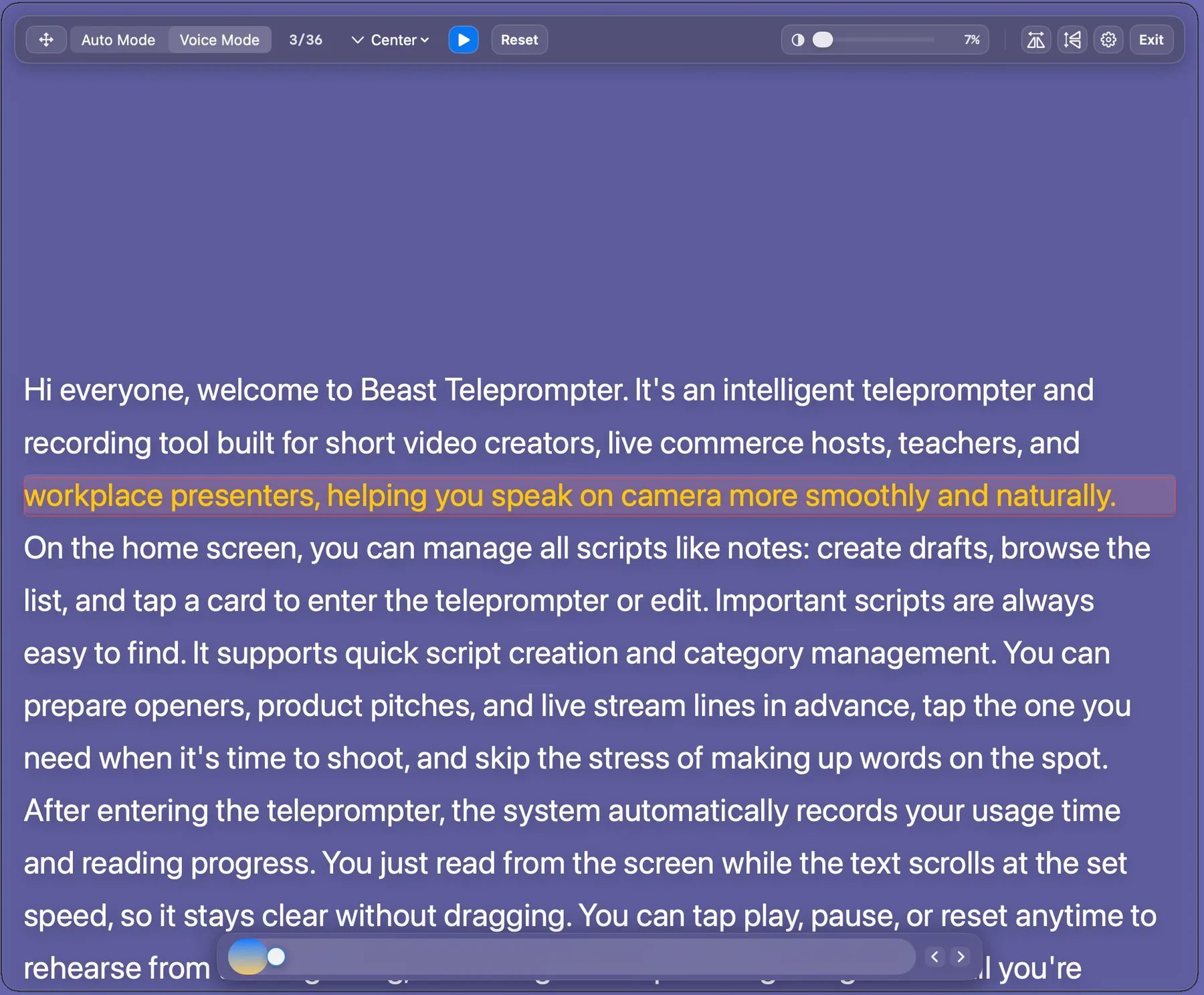
AI follow reading. The script listens to your voice and scrolls at your pace. Speed up, slow down, or pause. The text follows. No fixed-speed timer forcing you to perform against the scroll.
Floating prompt window. The prompt overlays on top of Zoom, Google Meet, OBS, QuickTime, or any other app. You read while presenting without switching windows. This is the core reason Mac creators subscribe to Pro.
iCloud sync. Scripts sync across iPhone, iPad, and Mac. Edit on your phone, present on your Mac. No manual file transfers.
4K export support. When you use the recording workflow, export in up to 4K resolution for professional-grade output.
Who Needs a Teleprompter on Mac
Not everyone who owns a Mac needs a desktop teleprompter. But if your workflow looks like any of these, a phone-only setup is holding you back:
Course creators and online teachers. Recording lectures means long scripts, precise wording, and hours at a desk. A Mac teleprompter with AI follow reading lets you teach at your natural pace without staring at notes taped to your monitor.
Remote presenters and speakers. Webinars, conference talks, and investor pitches over Zoom benefit from having a floating prompt next to the camera. Your audience sees eye contact, not someone reading off-screen.
YouTube and long-form video creators. If your content is longer than 60 seconds, scripting improves delivery. A Mac gives you a larger reading surface and keyboard-based editing, which speeds up the entire prep-to-record cycle.
Mac Teleprompter vs Phone Teleprompter
Both work. The question is which fits your recording setup better.
| Phone teleprompter | Mac teleprompter | |
|---|---|---|
| Screen size | 6 inches, fine for short scripts | 13 to 27 inches, better for long content |
| Floating prompt | Over camera app or live stream | Over Zoom, OBS, Meet, or any Mac app |
| Editing | Thumb typing on a small keyboard | Full keyboard, faster script editing |
| Best for | Short-form video, on-the-go recording | Courses, presentations, desk recording |
| AI follow reading | Yes | Yes |
| iCloud sync | Yes (Pro) | Yes (Pro) |
The two are not competing products. Many creators edit scripts on Mac, rehearse on Mac, and then grab their iPhone for a quick shoot. iCloud sync keeps both devices in step.
If you are new to teleprompters in general, read What Is a Teleprompter? for a broader overview of how they work.
Pricing and What Is Free
Beast Teleprompter on Mac uses a Pro subscription model that differs from the iOS version.
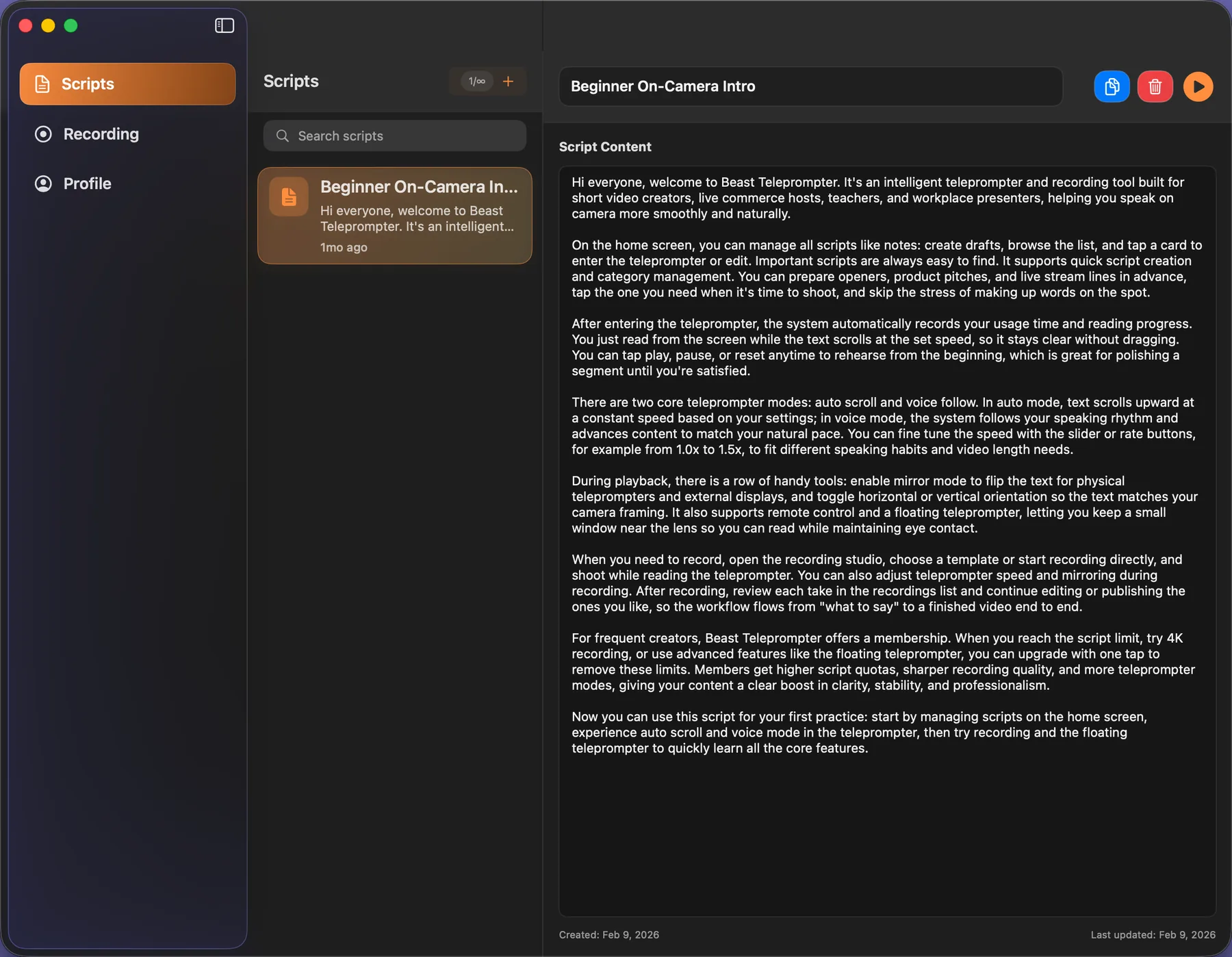
On Mac, the free version lets you manage scripts but does not include teleprompter playback. You need a Pro subscription to use the core prompting and recording features. This is different from iOS, where AI follow reading and 1080P recording are permanently free.
Pro on Mac includes:
- Teleprompter playback with AI follow reading
- Floating prompt window
- 4K export
- Unlimited scripts
- iCloud sync across all your Apple devices
Pricing: Monthly ¥18 / Yearly ¥198 (same subscription covers both iOS and Mac).
We are upfront about this because honesty builds trust. If you want to test the full creation workflow for free first, start with the iPhone app because it has AI follow reading and 1080P recording at no cost. Then move to Mac when your workflow demands a bigger screen.
Frequently Asked Questions
Is Beast Teleprompter for Mac free? The Mac app lets you manage scripts for free, but teleprompter playback and AI follow reading require a Pro subscription. The iOS version has a more generous free tier if you want to test the core features first.
Can I use the floating prompt over Zoom or Google Meet? Yes. The floating prompt window sits on top of any Mac app, including Zoom, Google Meet, OBS, FaceTime, and QuickTime. That is the primary reason remote presenters use the Mac version.
Does the Mac version have AI follow reading? Yes. AI follow reading works the same way on Mac as it does on iPhone. The script tracks your voice and scrolls at your natural pace.
Do my scripts sync between iPhone and Mac? Yes. With a Pro subscription, scripts sync via iCloud across iPhone, iPad, and Mac. Edit on one device, present on another.
Which Mac models are supported? Beast Teleprompter runs on any Mac with macOS 14 (Sonoma) or later, including MacBook Air, MacBook Pro, iMac, Mac mini, and Mac Studio.
Download Beast Teleprompter on the Mac App Store, or visit the homepage to compare iOS and Mac features. Need help setting up? Check the Help Center.