

If you are searching for a teleprompter online, you probably want one of two things: a fast browser prompt you can open right now, or a full recording workflow that will not fall apart once the camera starts rolling. Beast Teleprompter is built to cover both ends of that job. It gives you a web-style teleprompter experience for quick script reading, plus iPhone and Mac apps with AI follow reading, 1080P recording, and a floating prompt workflow for more advanced use cases.
What Most People Mean by "Teleprompter Online"
The phrase "teleprompter online" usually covers several different needs:
- a browser-based prompt you can open without setup
- a simple way to read while filming on your phone
- a better alternative to fixed-speed scrolling
- something free enough to test before paying
That is why many search results feel mismatched. Some pages offer only a bare text scroller. Others push a subscription before you can even test a script. The better question is not just "Is this online?" It is "Can this actually support the way I create videos?" If you are still figuring out what a teleprompter actually is, start there.
For many creators, the answer starts with a simple browser prompt and then moves into app features once they care about delivery quality, voice pacing, or live recording.
What Beast Teleprompter Includes
Beast Teleprompter combines an online teleprompter workflow with dedicated mobile and desktop apps.
For quick prompting, you can start with a web prompt style experience. That is useful when you want to paste a script, rehearse a speech, or read on a larger screen without installing anything first.
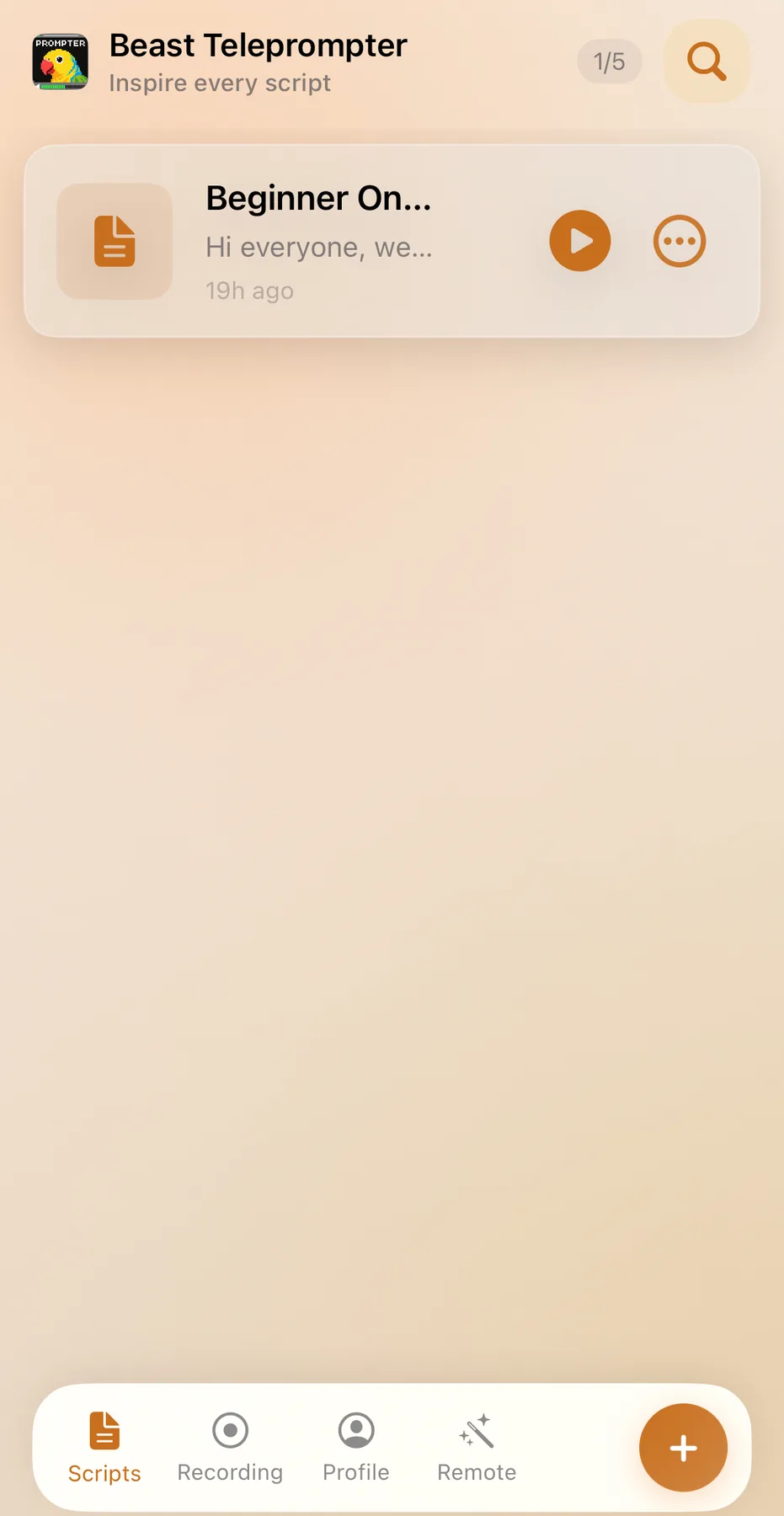
For actual filming, the iPhone app is where the product becomes more than a text scroller. The free plan includes AI follow reading, 1080P recording, no watermark, and 5 script slots. That is enough for most creators to record real content without immediately upgrading.
For advanced setups, the paid plan unlocks the floating prompt window, 4K export, unlimited scripts, and iCloud sync. The floating prompt matters if you want to read over your camera app, live streaming tool, or other production apps without switching screens.
For desktop recording and script management, there is also a Mac version. That makes the product relevant beyond short mobile clips, especially for course creators, teachers, and remote presenters.
When a Browser Teleprompter Is Enough
A simple online teleprompter is often enough when:
- you are rehearsing a script before recording
- you are giving a speech or presentation on a larger screen
- you only need clean scrolling text
- you want to test your pacing before moving into a full recording setup
For these cases, speed matters more than feature depth. You want a page that opens fast, lets you paste text, and gets out of your way.
When You Need More Than a Basic Online Prompt
The moment you start recording regularly, basic scrolling stops being enough.
Fixed-speed teleprompters make you perform against a timer. If you speed up, the text lags. If you pause, the script keeps moving. That creates the exact robotic delivery most creators are trying to avoid.
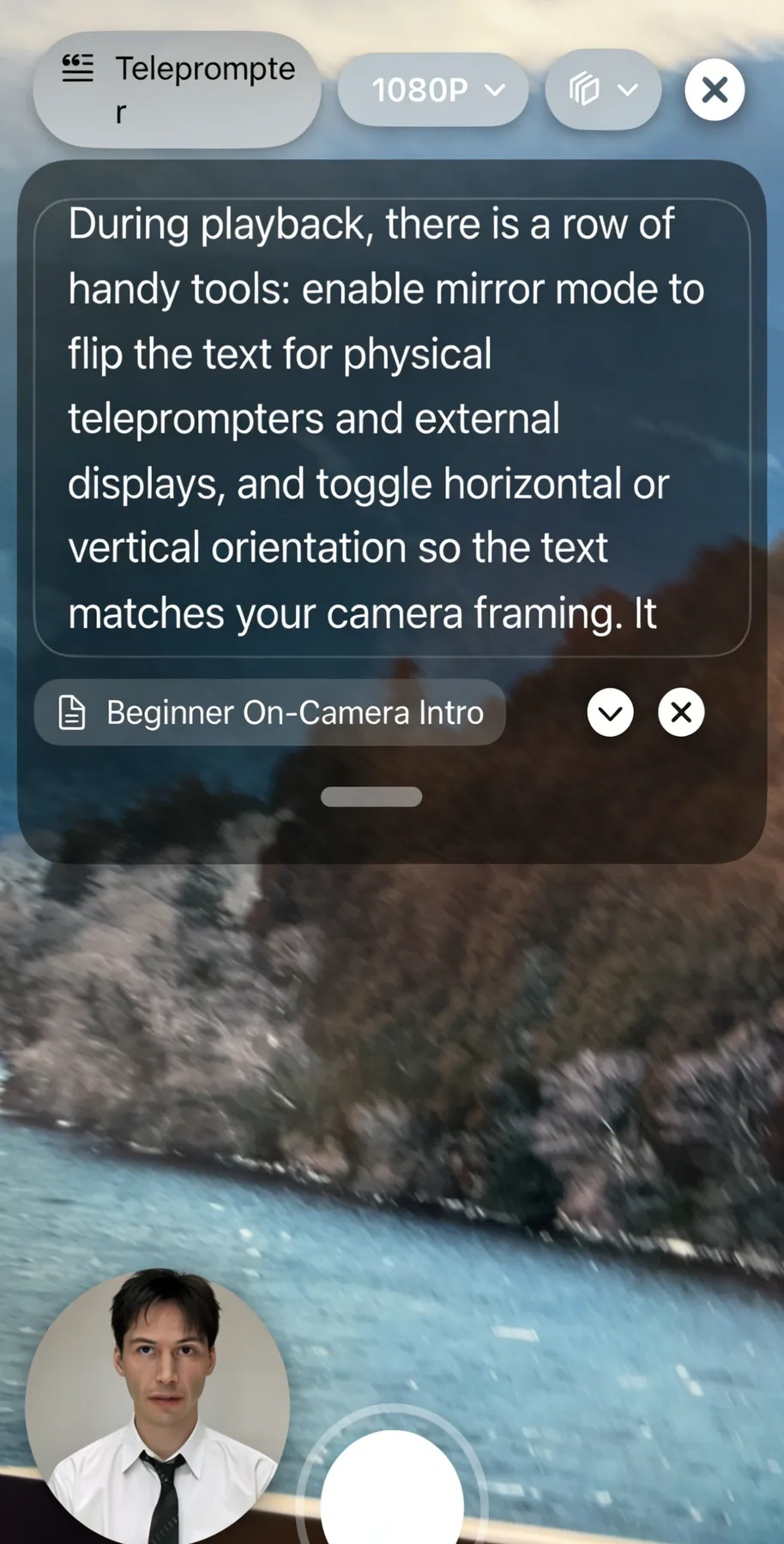
AI follow reading solves that. The script responds to your pace instead of forcing you to match the scroll. That is the difference between a tool that looks convenient in a search result and a tool you actually keep using.
The other upgrade is recording quality. If the free version adds a watermark or locks 1080P, you are not getting a complete workflow. You are getting a demo. Beast Teleprompter keeps the core creation flow free and charges for more advanced production features instead.
Why Creators Choose Beast Teleprompter
There are plenty of teleprompter online tools that can show text on a screen. Fewer products handle the transition from reading to recording well.
Beast Teleprompter is stronger when the job is not just "display text" but "help me publish a clean video without sounding stiff." That is why the product focuses on:
- AI follow reading instead of fixed-speed dependence
- 1080P recording without a watermark on the free plan
- floating prompt for advanced camera and live workflows
- Mac and iPhone coverage for creators working across devices
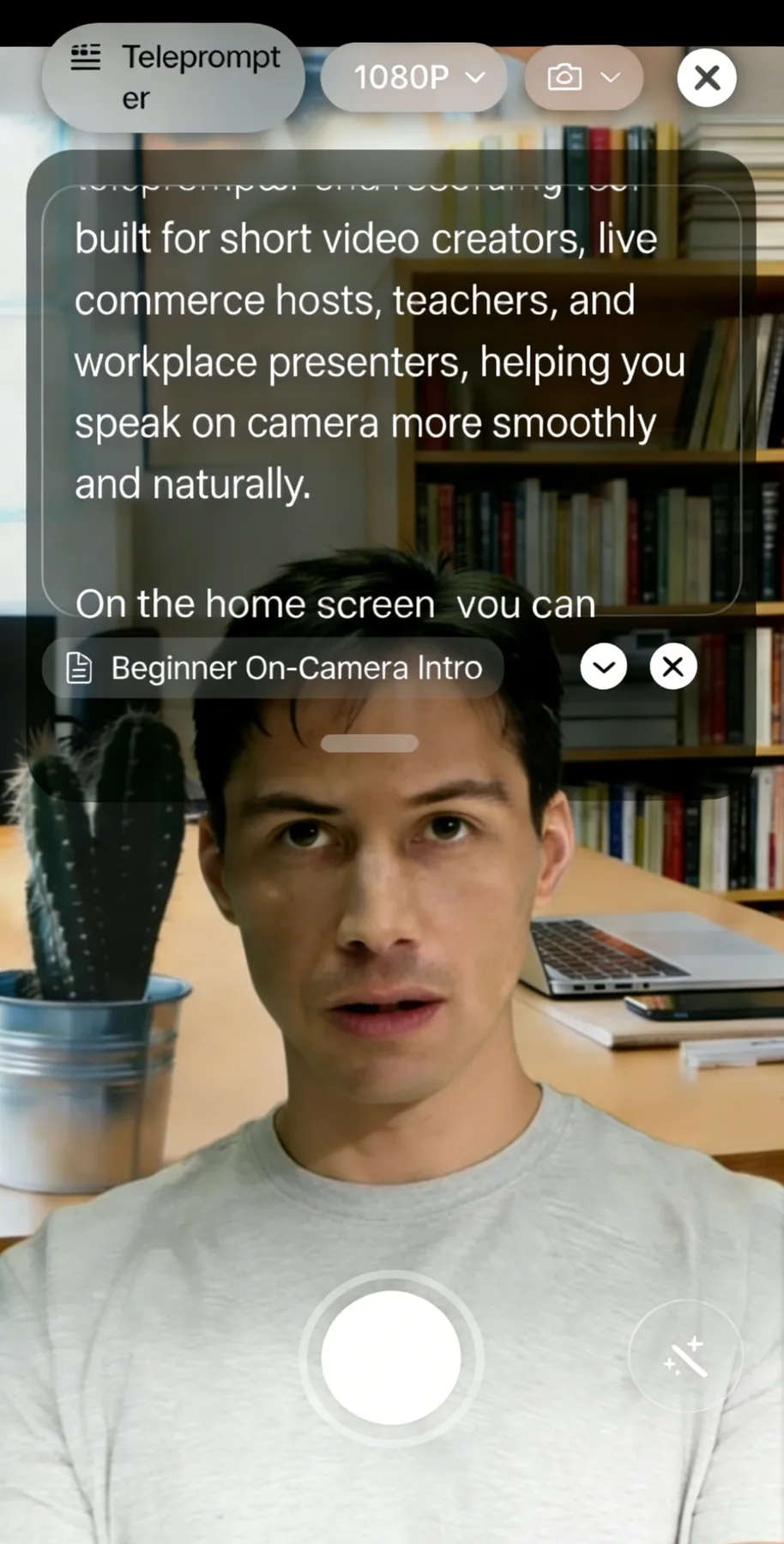
That combination makes it more useful than a browser-only teleprompter for creators who plan to record consistently.
Frequently Asked Questions
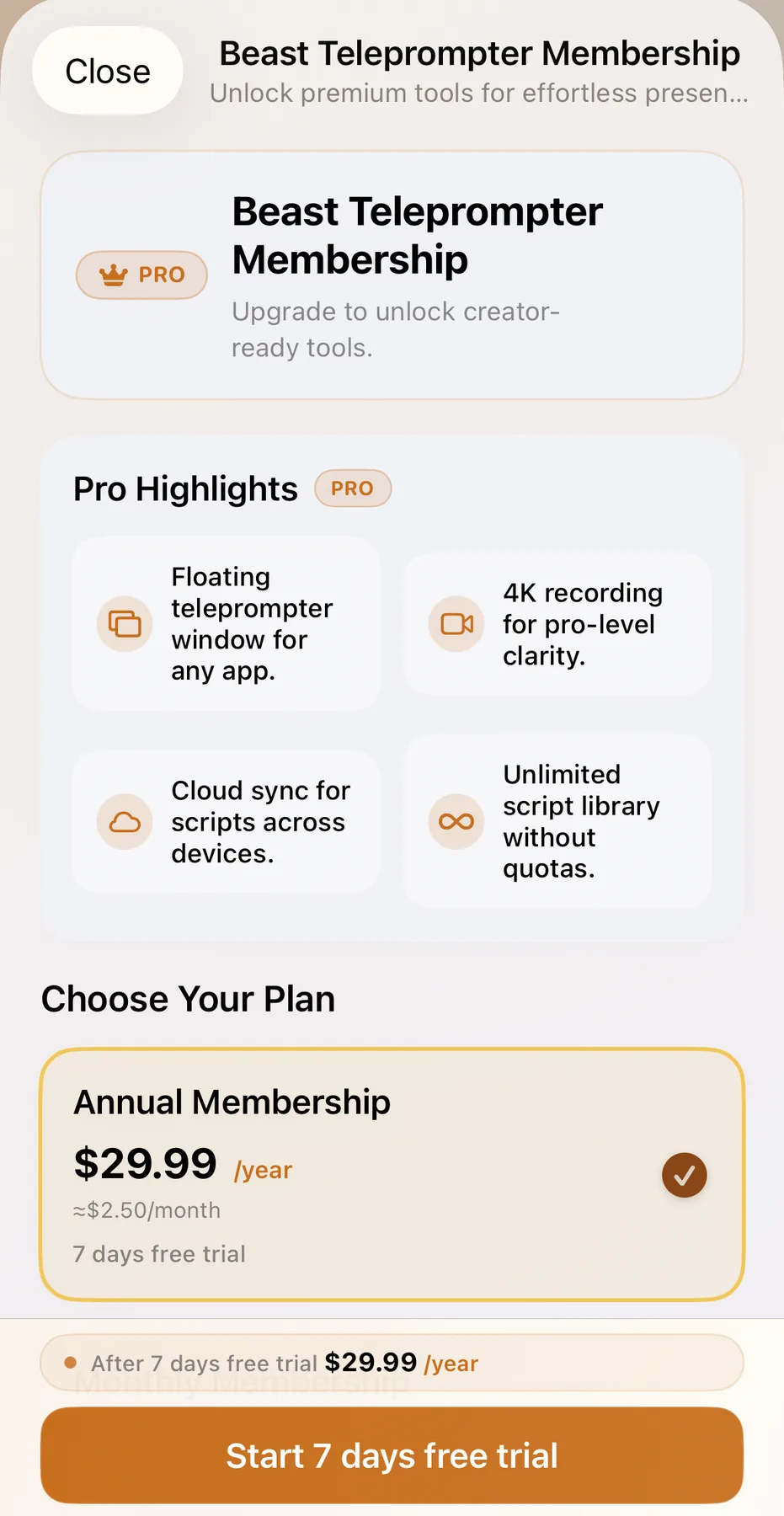
Is Beast Teleprompter free? Yes. The free plan includes AI follow reading, 1080P recording, no watermark, and 5 script slots. Paid features include the floating prompt window, 4K export, unlimited scripts, and iCloud sync.
Can I use Beast Teleprompter as a teleprompter online? Yes. Beast Teleprompter supports an online teleprompter workflow and also offers dedicated iPhone and Mac apps when you need a fuller recording setup.
Do I need a second device? No. Many creators start with one device. If you need a more advanced workflow, the floating prompt window is the upgrade that makes single-device recording more flexible.
Can I use it for live streams? Yes. Live streaming is one of the clearest use cases for the floating prompt window because it lets you read on top of other apps without constantly switching views.
What is included in Pro? Pro unlocks the floating prompt window, 4K export, unlimited scripts, and iCloud sync across devices.
Try Beast Teleprompter or open the Help Center if you want to compare workflows before downloading.