
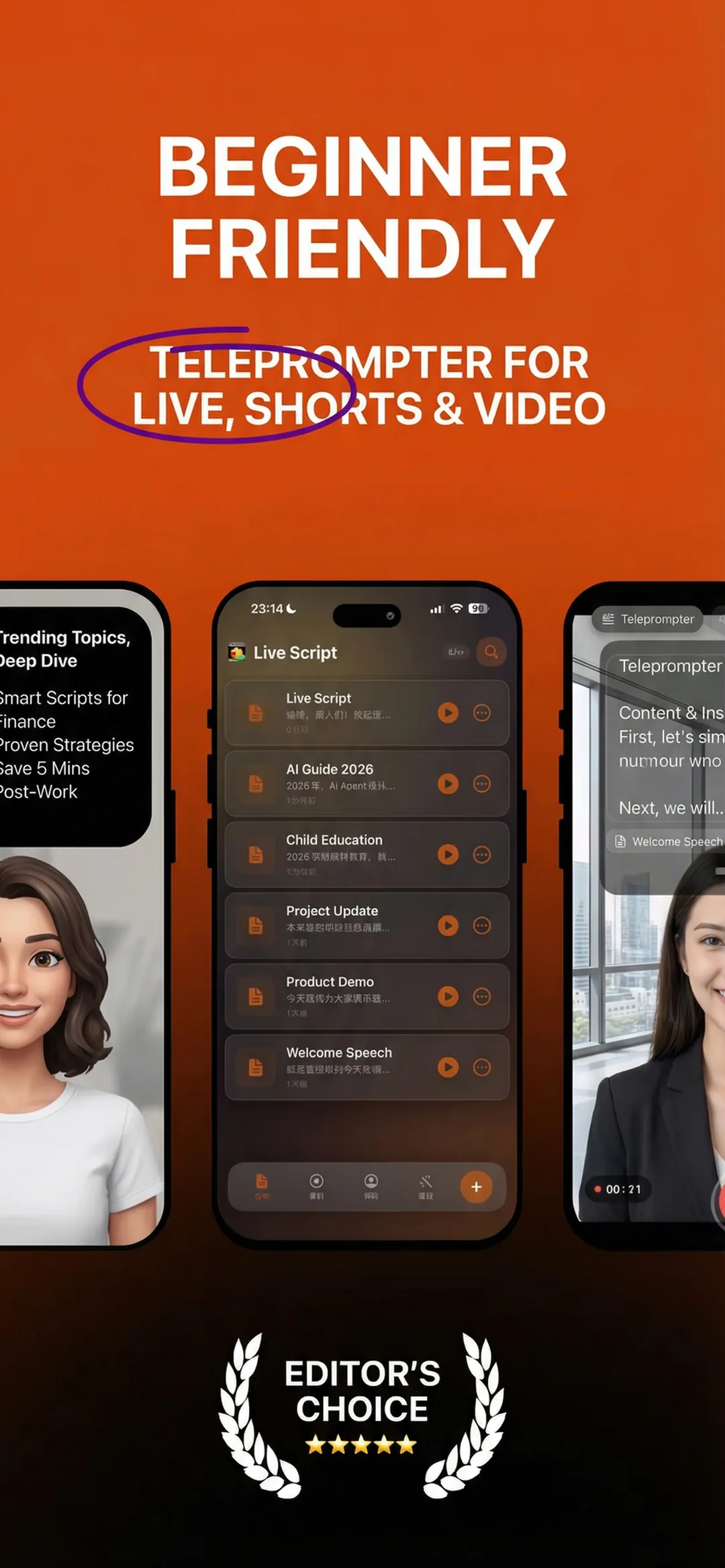
Most teleprompter software either charges you on day one or scrolls text at a fixed speed that forces you to race the machine. Beast Teleprompter does neither: AI follow reading, 1080P recording without a watermark, and 5 script slots are permanently free, with no trial timer and no feature wall on the basics.
Available for iPhone, iPad, and Mac. Download Beast Teleprompter
What Good Teleprompter Software Actually Does
Fixed-speed scrolling is a solved problem, a simple timer with text on a loop. Most apps stop there.
The gap shows up the moment you start recording. You speed up to catch the scrolling text, or you pause and watch it race ahead. Delivery sounds rehearsed because it is: you are chasing a machine instead of speaking.
Good teleprompter software adapts to the speaker. That means two things in practice:
- Speed follows voice. The script moves when you speak and pauses when you pause.
- Prompt overlays your workflow. You should not have to stop recording and open a different app to see your lines.
Beast Teleprompter is built around both of these.
AI Follow Reading
The script follows your voice in real time. Speak faster, the text speeds up. Take a breath mid-sentence, the text waits. No manual speed adjustment, no catching up.
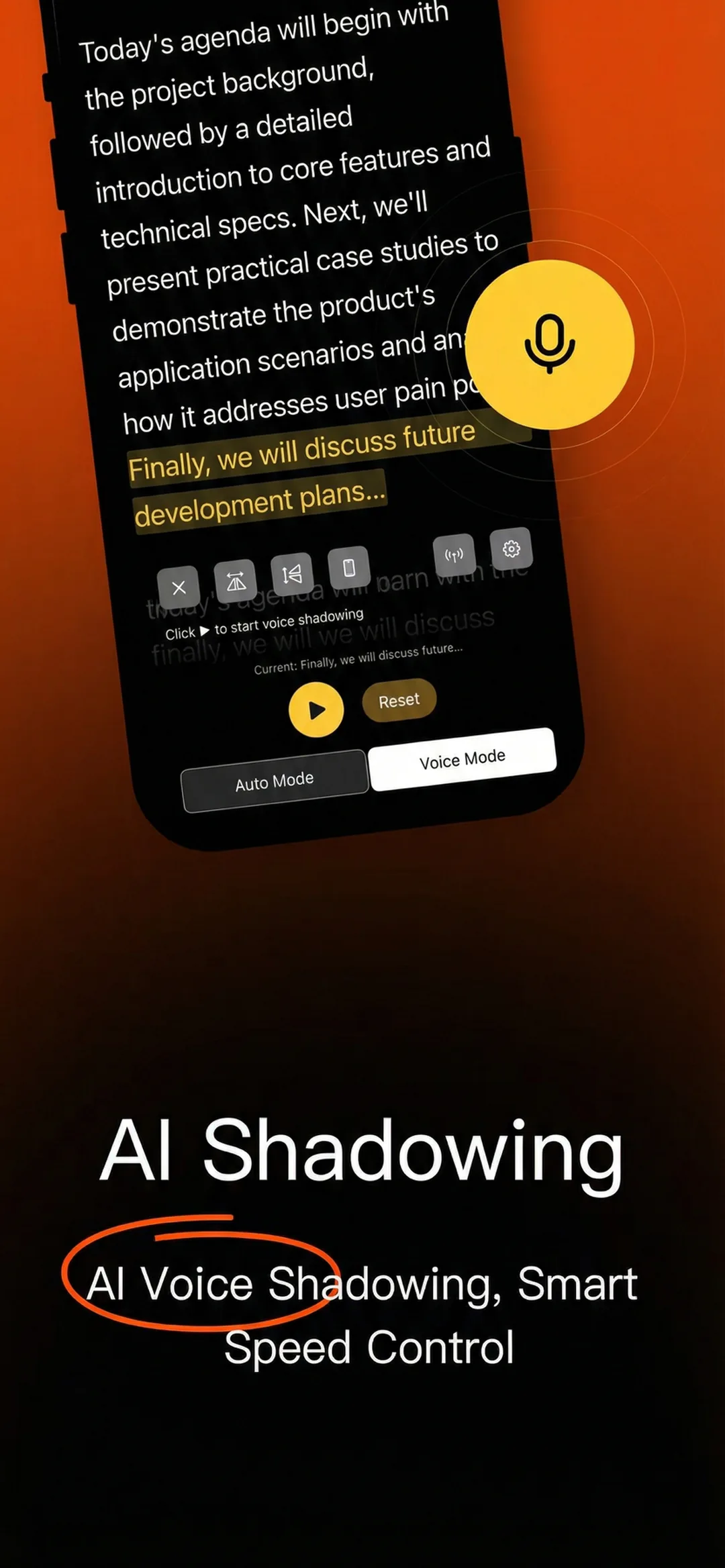
This is free. No daily limit, no session cap. AI follow reading is part of the permanent free tier because it is the feature that makes a teleprompter actually usable. Locking it behind a paywall would defeat the point.
Record While You Read
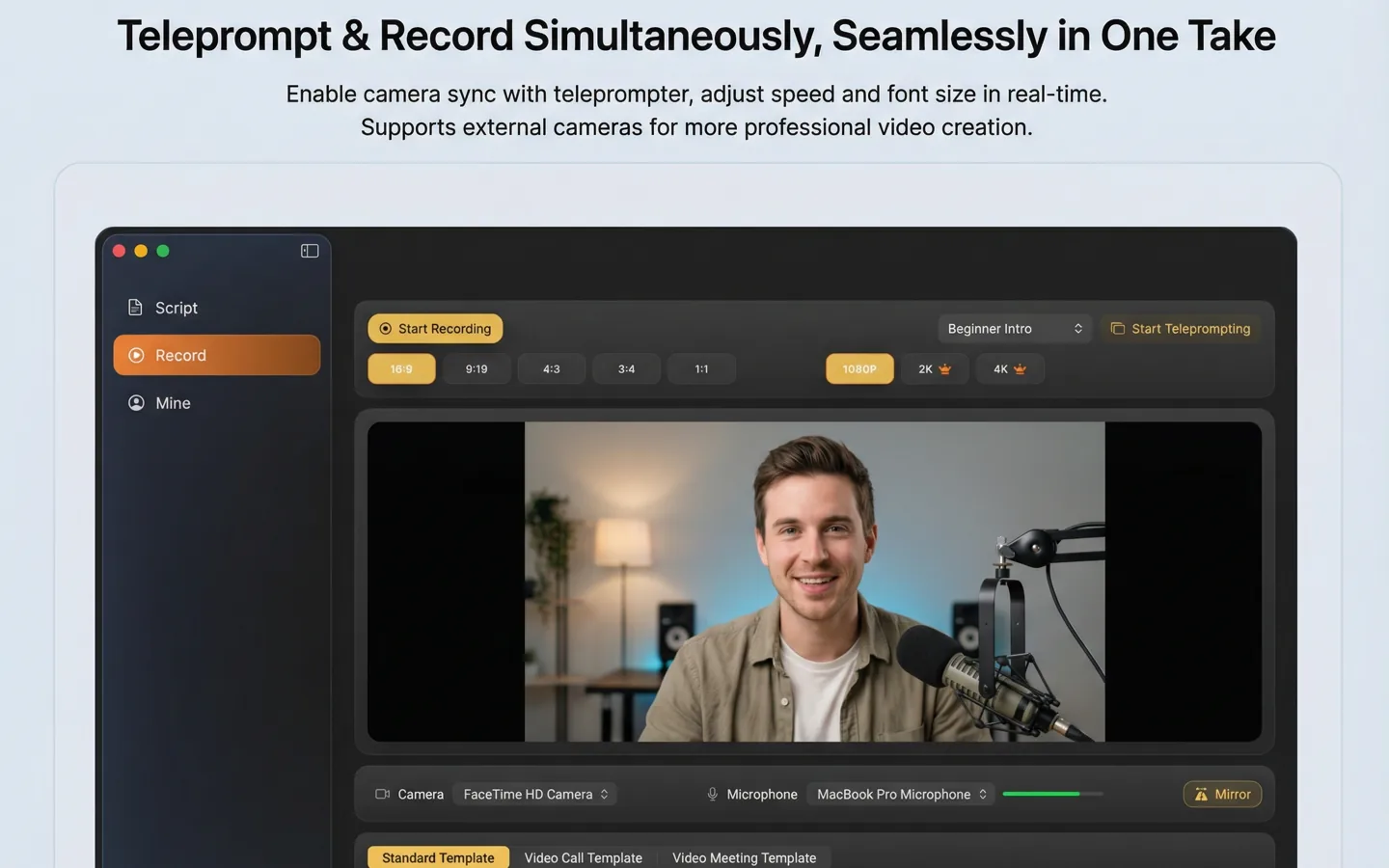
The built-in recording studio combines prompting and filming in one place. You see the script overlaid on a live camera preview. Hit record. The exported video is clean 1080P with no watermark.
For creators working from a single device, this eliminates the main friction: writing a script, opening a camera app, trying to hold your phone at an angle where you can see a second screen. The script is already there, inside the app, in front of the lens.
Floating Prompt Window (Pro)
If you record with TikTok, Instagram, a live stream tool, or your native camera app, the floating prompt window overlays your script on top of any other app. You do not have to switch between apps mid-take.
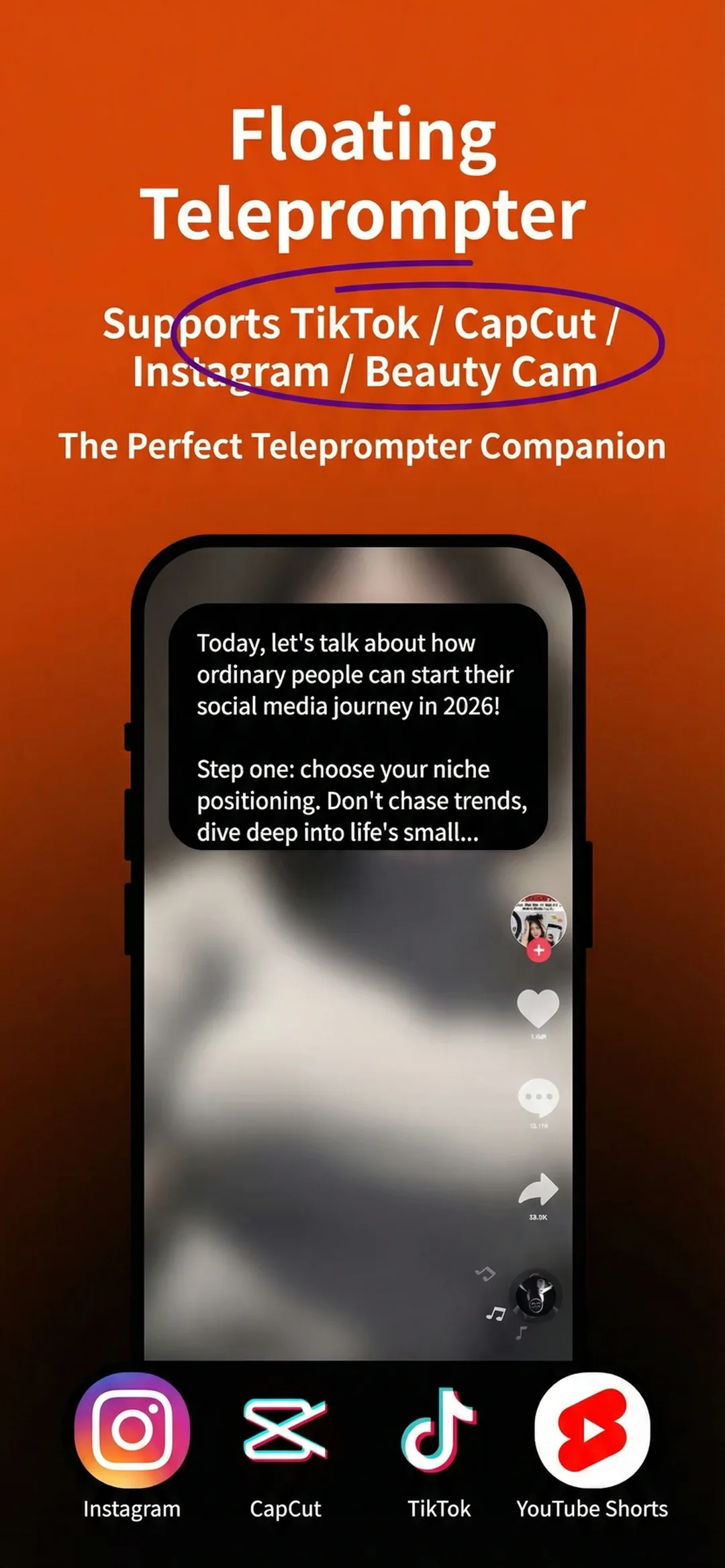
The floating window is a Pro feature. Everything else, AI follow reading, 1080P recording, and basic script management, is free.
Works on iPhone, iPad, and Mac
Beast Teleprompter runs on all three Apple platforms. Scripts sync across devices automatically when you log in with your Apple ID, so a script you write on Mac is ready to go on your iPhone when you start filming.
iPhone and iPad. Full teleprompter, recording studio, floating prompt window, AI follow reading.
Mac. Full teleprompter with AI follow reading, floating window, and the built-in recording studio. See the Mac version.
Scripts, settings, and preferences carry over. You do not manage them separately.
Free vs Pro
| Feature | Free | Pro |
|---|---|---|
| AI follow reading | ✓ | ✓ |
| 1080P recording, no watermark | ✓ | ✓ |
| Up to 5 scripts | ✓ | ✓ |
| Unlimited scripts | — | ✓ |
| 4K recording | — | ✓ |
| Floating prompt window | — | ✓ |
| Script sync across iPhone, iPad, Mac | — | ✓ |
Pro is $18/month or $198/year. The free tier is not a trial. The features listed above are permanently free.
FAQ
Is Beast Teleprompter software free? Yes. AI follow reading, 1080P recording with no watermark, and up to 5 scripts are free with no time limit. The Pro plan adds the floating prompt window, 4K recording, unlimited scripts, and cross-device sync.
What teleprompter software works on Mac? Beast Teleprompter has a dedicated Mac app with full teleprompter, AI follow reading, floating window, and recording studio. It is available on the Mac App Store. See the Mac teleprompter page for details.
How does AI follow reading work in teleprompter software? The app listens to your voice through the microphone and moves the script to match your pace. If you speak faster, the text speeds up. If you pause, the text stops. No manual adjustment is needed during recording.
Can I use teleprompter software while recording with another camera app? Yes, with the floating prompt window. It overlays your script over any other app, including the native camera, TikTok, Instagram, or a live stream app, without interrupting that app's recording.
Does teleprompter software work for both iPhone and Mac? Beast Teleprompter works on iPhone, iPad, and Mac. Scripts sync automatically across all three when you are signed in with the same Apple ID.
Download Beast Teleprompter — Free on the App Store
For an overview of what a teleprompter is and how it is used, see What Is a Teleprompter.